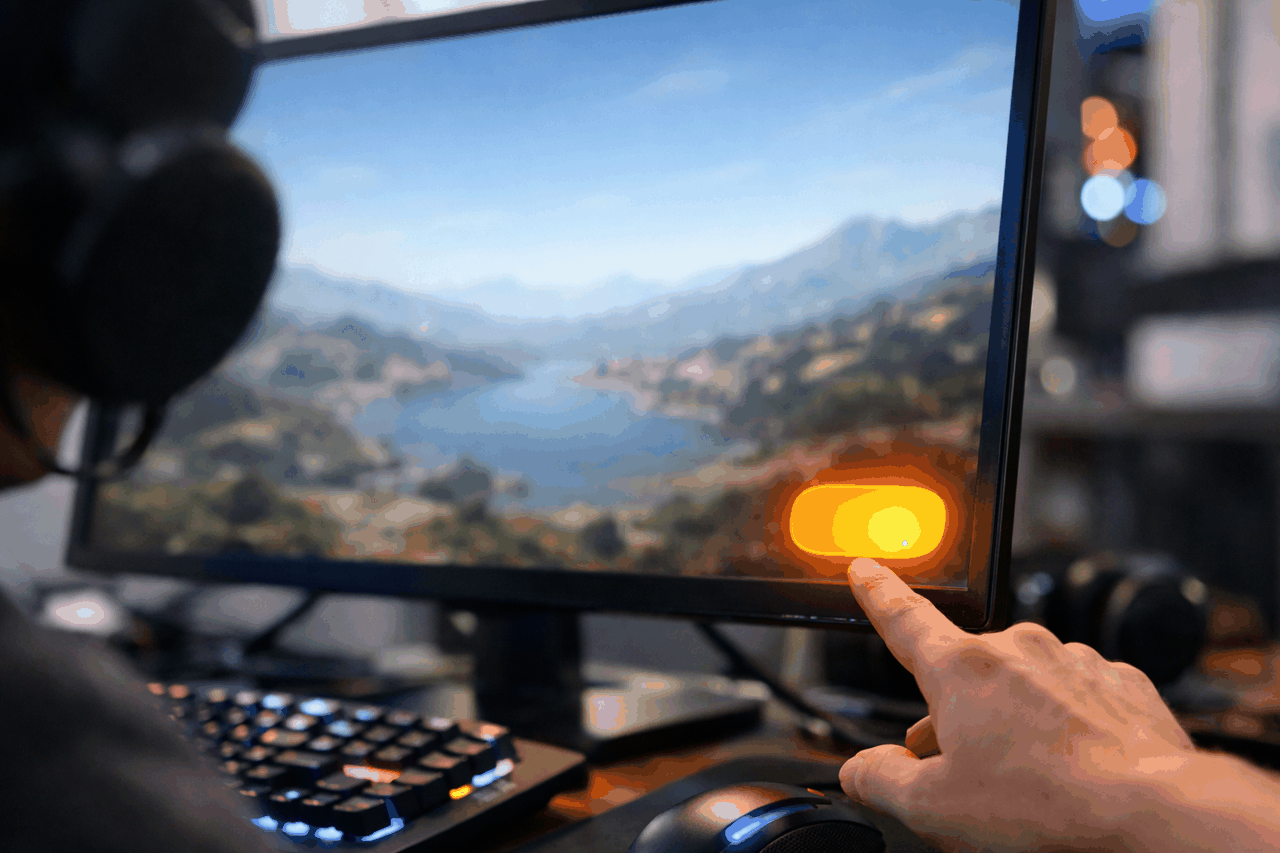
A Twitch alert needs two things to work: a recognisable graphic and a source that can receive the right event. Design the card first, then configure the event in your alert set and check how it lands in OBS Studio. A clean PNG shows what an alert could look like. The event test tells you… Continue reading Twitch alerts overlay
Tag: OBS Studio
Starting Soon screen
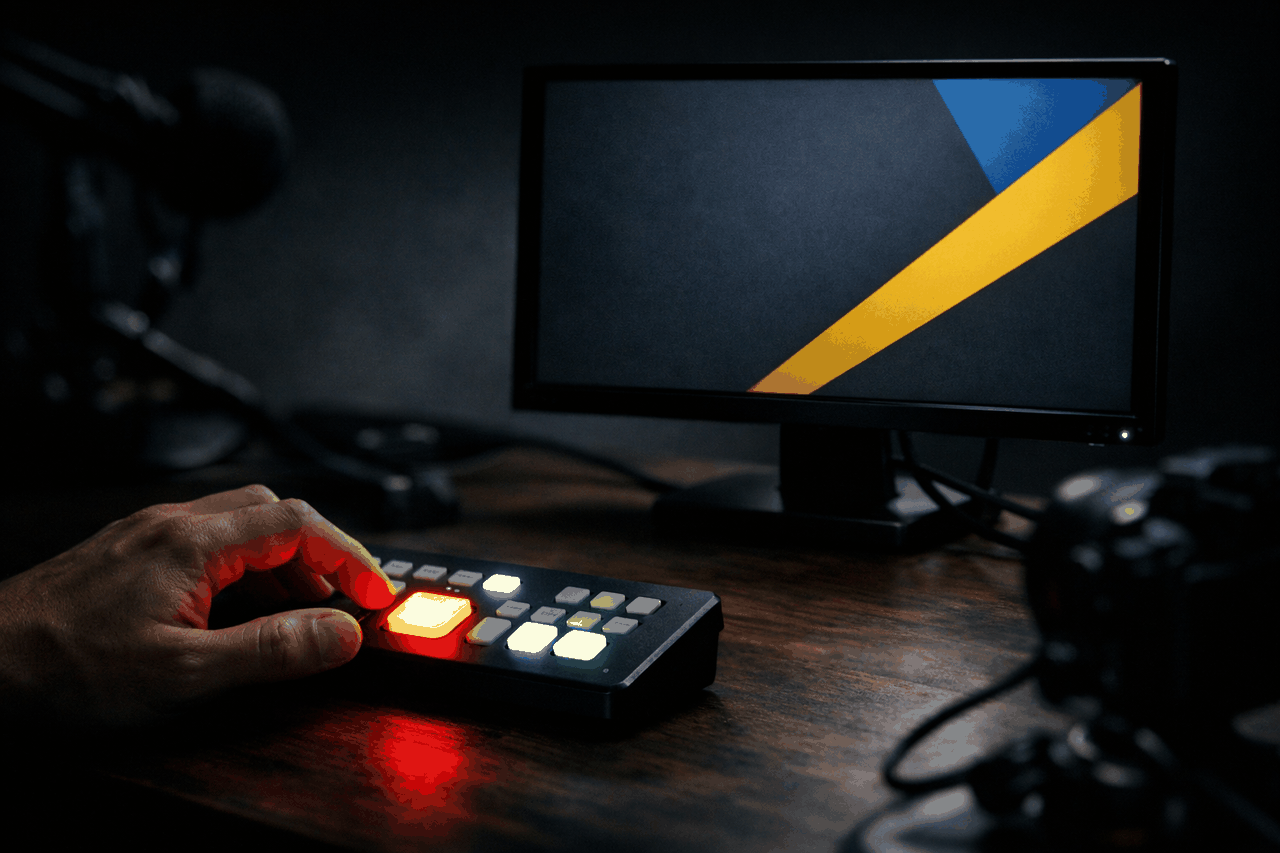
A Starting Soon screen needs to tell a viewer that the stream is about to begin. Put that message first, add the event or channel name underneath, and leave the rest of the frame for atmosphere. Treat it as its own scene so you can check what viewers will see and hear before you switch… Continue reading Starting Soon screen